Autojedi Group Limited
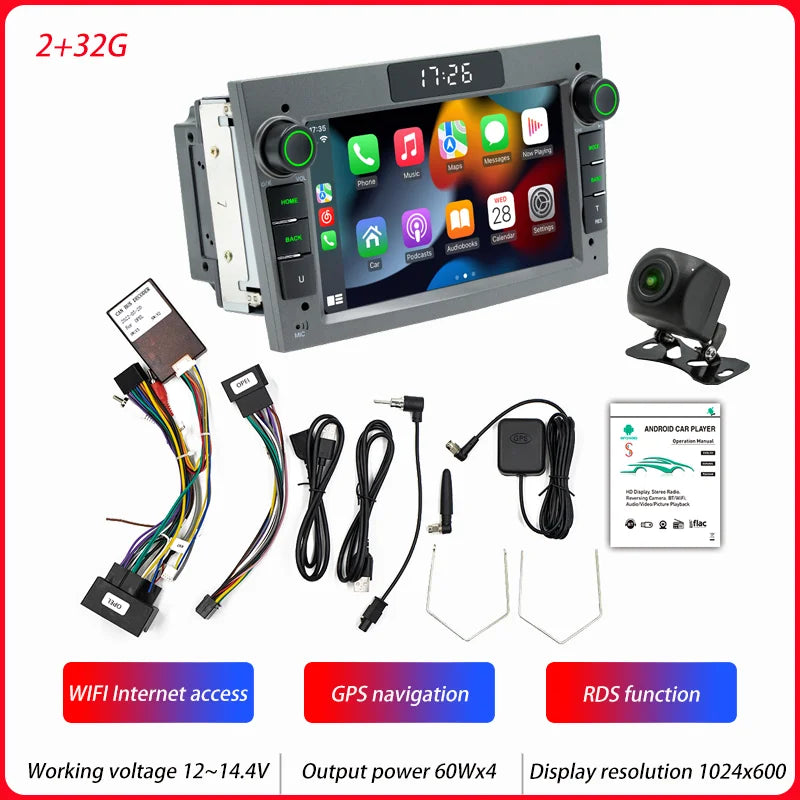
BQCC Car Radio Multimedia for Opel Astra H 2004 Vectra Vauxhall Antara Zafira Corsa Vivaro Meriva Veda Wireless CarPlay Auto
BQCC Car Radio Multimedia for Opel Astra H 2004 Vectra Vauxhall Antara Zafira Corsa Vivaro Meriva Veda Wireless CarPlay Auto
Couldn't load pickup availability
SPECIFICATIONS
Amplifier IC: YD7388
Bluetooth Version: Version 5.1
Brand Name: BQCC
Built-in CD player: No
Built-in DVD Player: No
Built-in Screen: Yes
CPU: A7 1.1GHz x 4
Certification: CE
Choice: yes
Color box size: 270x160x175MM
Cover size: 215x120MM
Digital Media Format: CD
Din: Double Din
Display Resolution: 1024x600
Display Size: 7"
For Vehicle Brands/Model: Opel
GPS Signal: GPS+GLONASS
Hign-concerned Chemical: None
Host depth: 75MM
Installation size: 180x100MM
Interface: USB
Is touch screen: Yes
Item Size: 215X120X75mm
Item Weight: 1.2
Max External Memory: 64G
Model: Opel LED
OSD Language: Chinese (Simplified),Chinese (Traditional),Arabic,Polish,German,Russian,French,czech,Romanian,Portuguese,Japanese,THAI,Turkish,Ukrainian,Greek,Spanish,hungarian,English,Vietnamese
Operating System: Android
Origin: Mainland China
Out Power: 60Wx4
Output Power: 60Wx4
Preset Station: FM 87.5~108.0MHz 522~1620KHz
RAM: 1g
Radio Frequency: FM 87.5~108.0MHz 522~1620KHz
Radio IC: 4745
Resolution: 1024x600
Running Memory: 1G
Screen size: 7-inch display + LED display
Software Solution: Jinganchi Private Board
Special Features: Built-In Speaker/Microphone,wifi function,Support steering wheel control,Support 3G Network,Support 4G Network,Support Can-Bus,Built-in GPS,Charger,Mobile Phone,MP3 players,Voice control,CarPlay,android auto,Reversing Input,Split Screen
Storage Memory: 16G
System: Android 13
TF/Micro SD Slot: 2
Tuner Type: FM
Type: Android Navigation Machine
Voltage: 12 V
Warranty: 1year
Wifi Frequency: 2.4GHz 5GHz
Working Temperature: -10~60℃
Working Voltage: 12~14.4V
BQCC Car Radio Multimedia for Opel Astra H 2004 Vectra Vauxhall Antara Zafira Corsa Vivaro Meriva Veda Wireless CarPlay Auto
Welcome to my store ! Have a good shopping time !
Loving life, loving shopping.
100% brand new and high qualit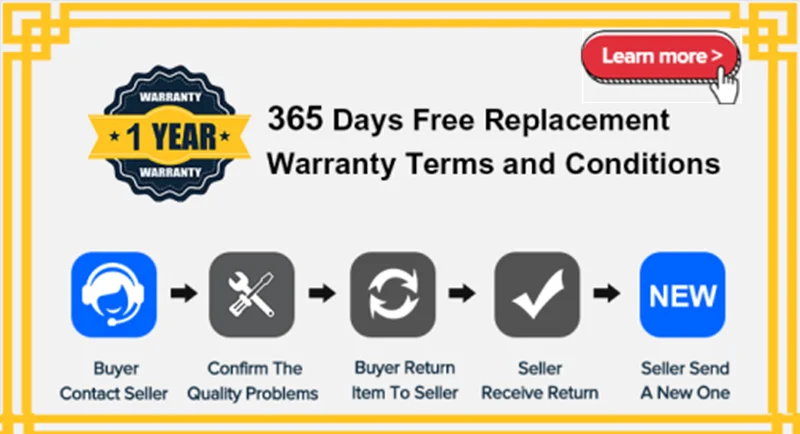
1. 30 years global automotive ADAS solution provider.
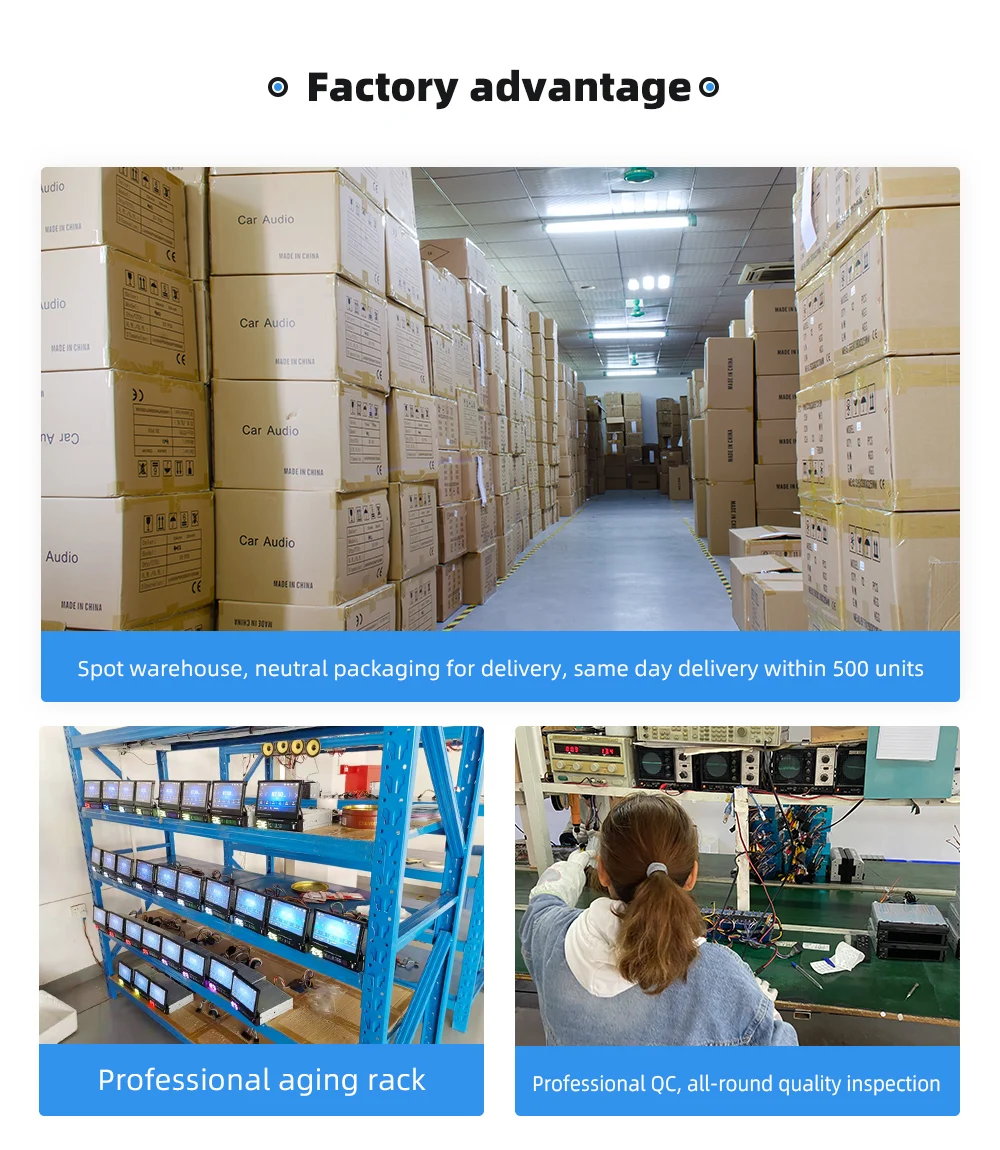
2. 50K Pcs Monthly Output, Fast & Safety Delivery
3. Competitive Price with Premium Quality.
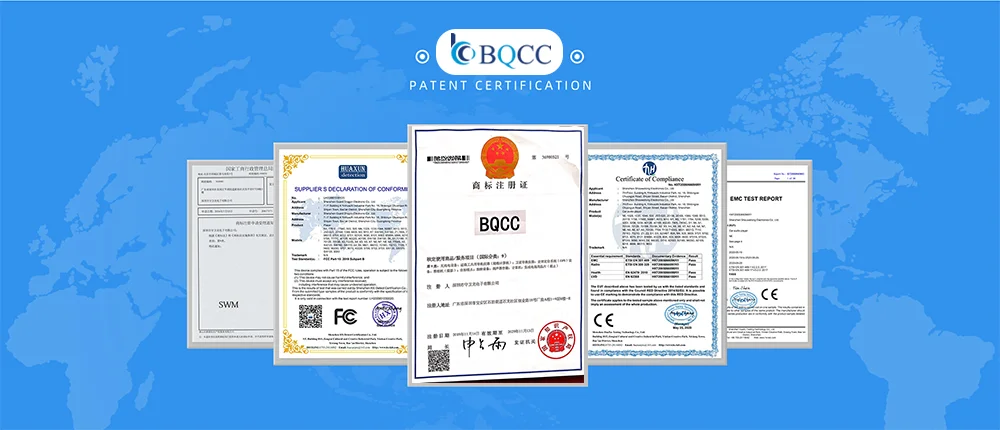
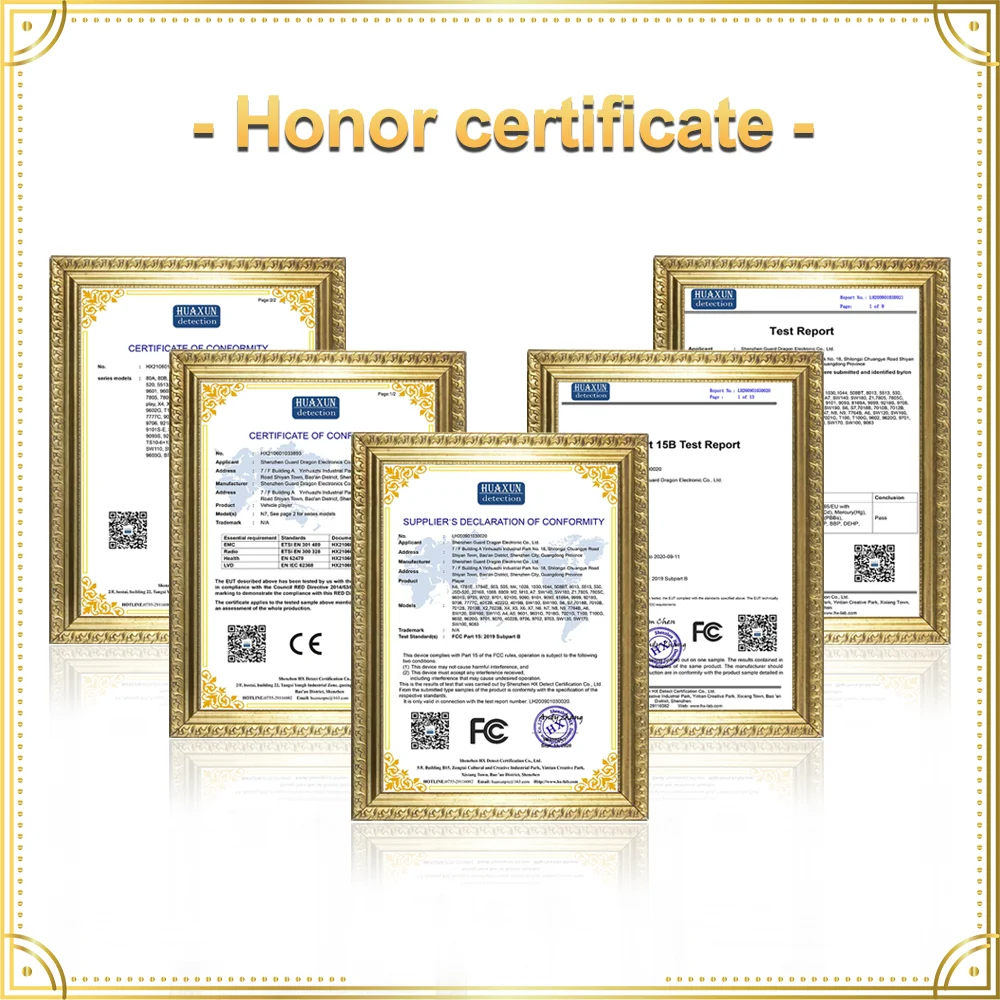
4. CE/FCC/Rohs/UKCA...industry certification
5. 0.2% Defecective Rate, 1+ year warranty.1:1 Replacement For Any Defecectives.
6. 24H online severe
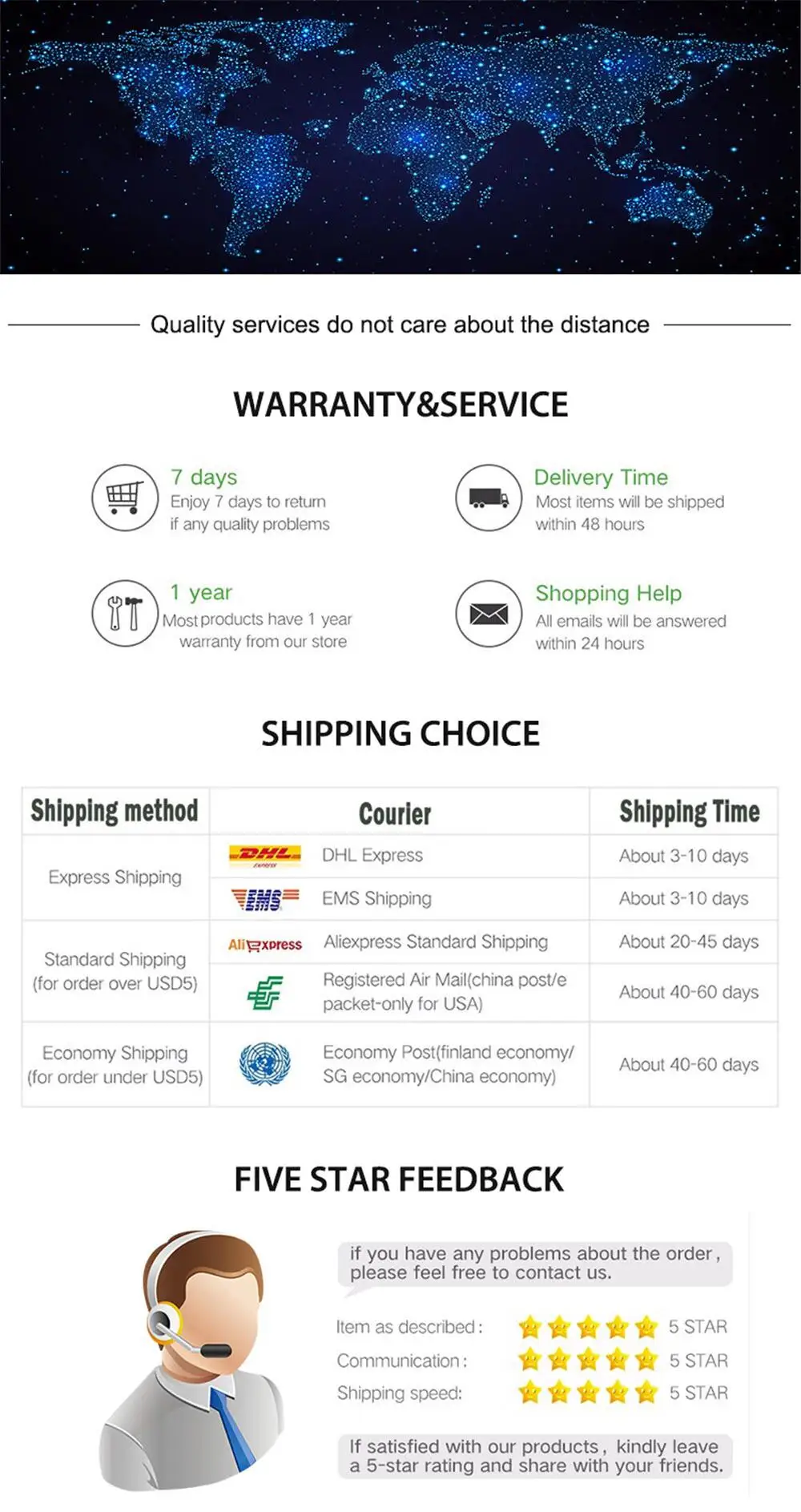
7. 48H fast shipping
9. Free Samples, Free OEM design
Processor: Cortex quad-core processor/ Octa-core high-definition,7-inches IPS capacitive screen running Qvod player, 1280*720 high resolution.
Built-in GPS navigation: Users can purchase offline navigation directly from the Play Store. Connect to wifi and use Google Maps perfectly. Go wherever you want and never get lost again.
Intelligent voice: Intelligent voice can directly control the player to turn on and off the phone, turn on and off the navigation, make calls and other functions through voice, free your hands better and achieve safe driving;
You can enjoy music on your phone without any connection line, and support USB connection.
Android operating system, can install applications, Google Play Store, Facebook, YouTube, Twitter, etc.

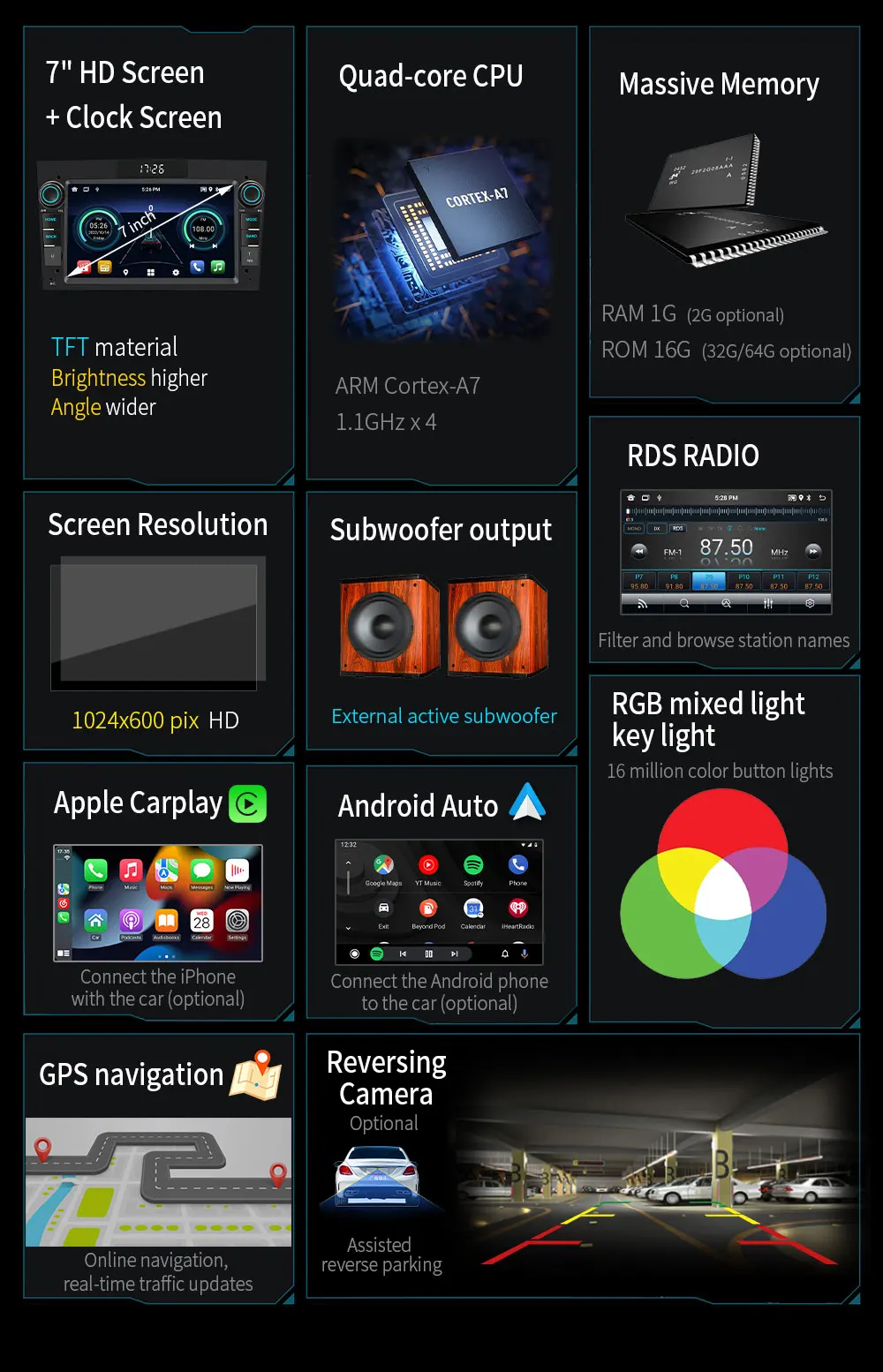
RGB mixed light key light Set the RGB value to call out 16 million color button lights.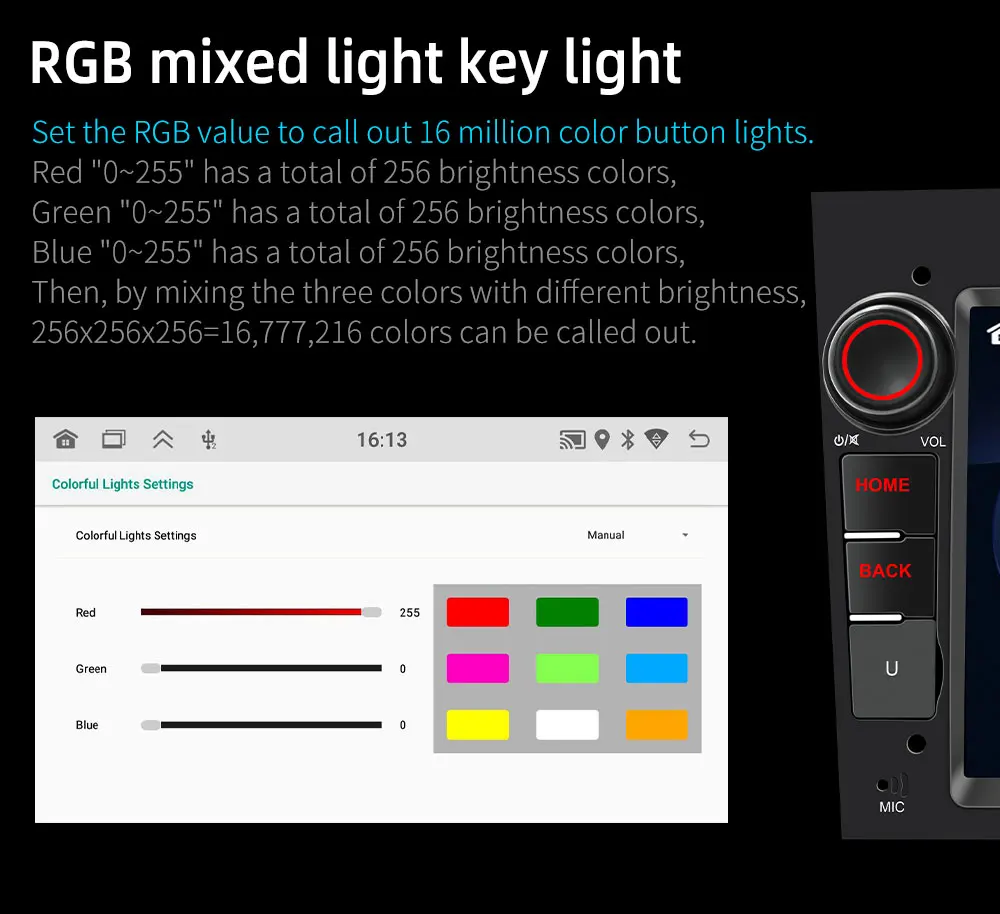
Developed private version motherboard + heat sink
After careful design by the product research and development department, a highly integrated motherboard is produced. Greatly improved the product cost-effective. The audio and video signal ports are designed to be inserted directly into the motherboard, which saves the cost of adapter cables and greatly reduces after-sales risks.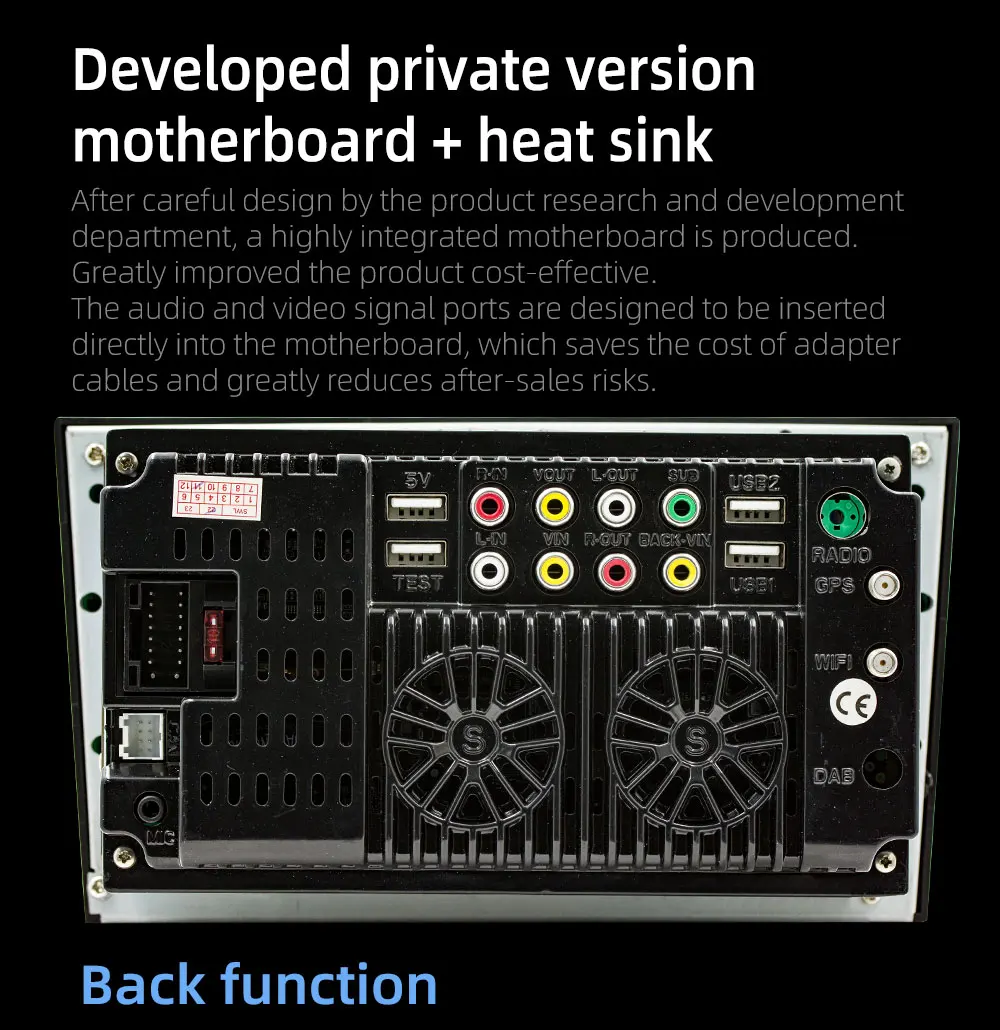
Android system
ARM Cortex-A7 1.3GHz x4 high-performance CPU brings an epoch-making performance jump and innovative experience.
Whether it is listening to music or navigating, it is unprecedentedly smooth!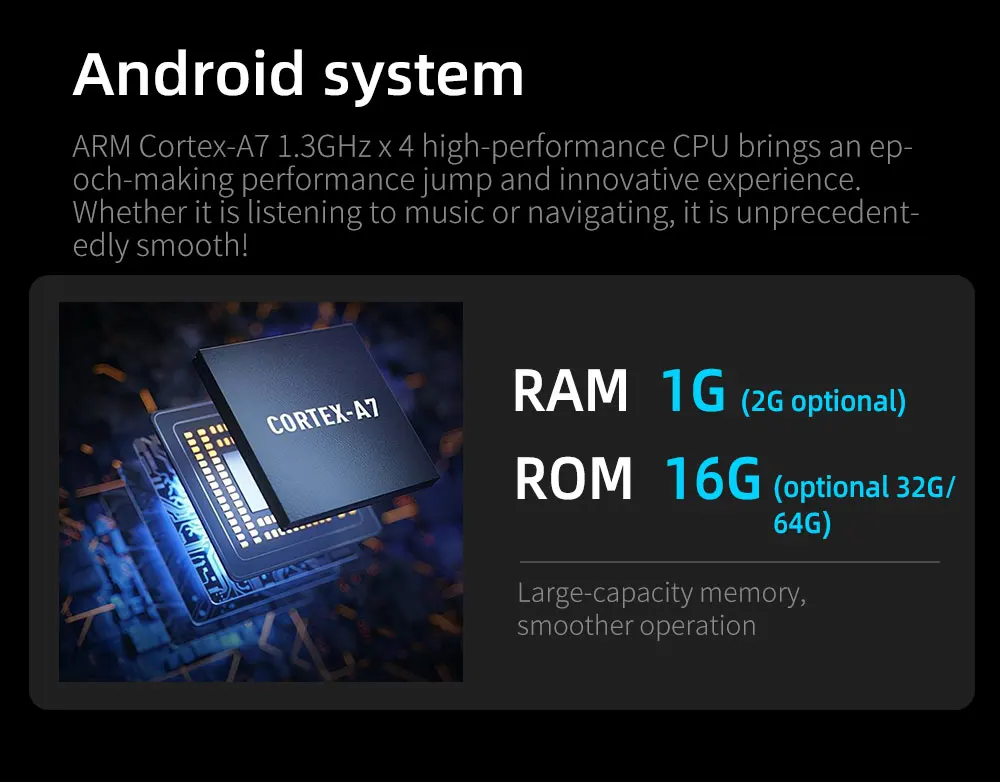
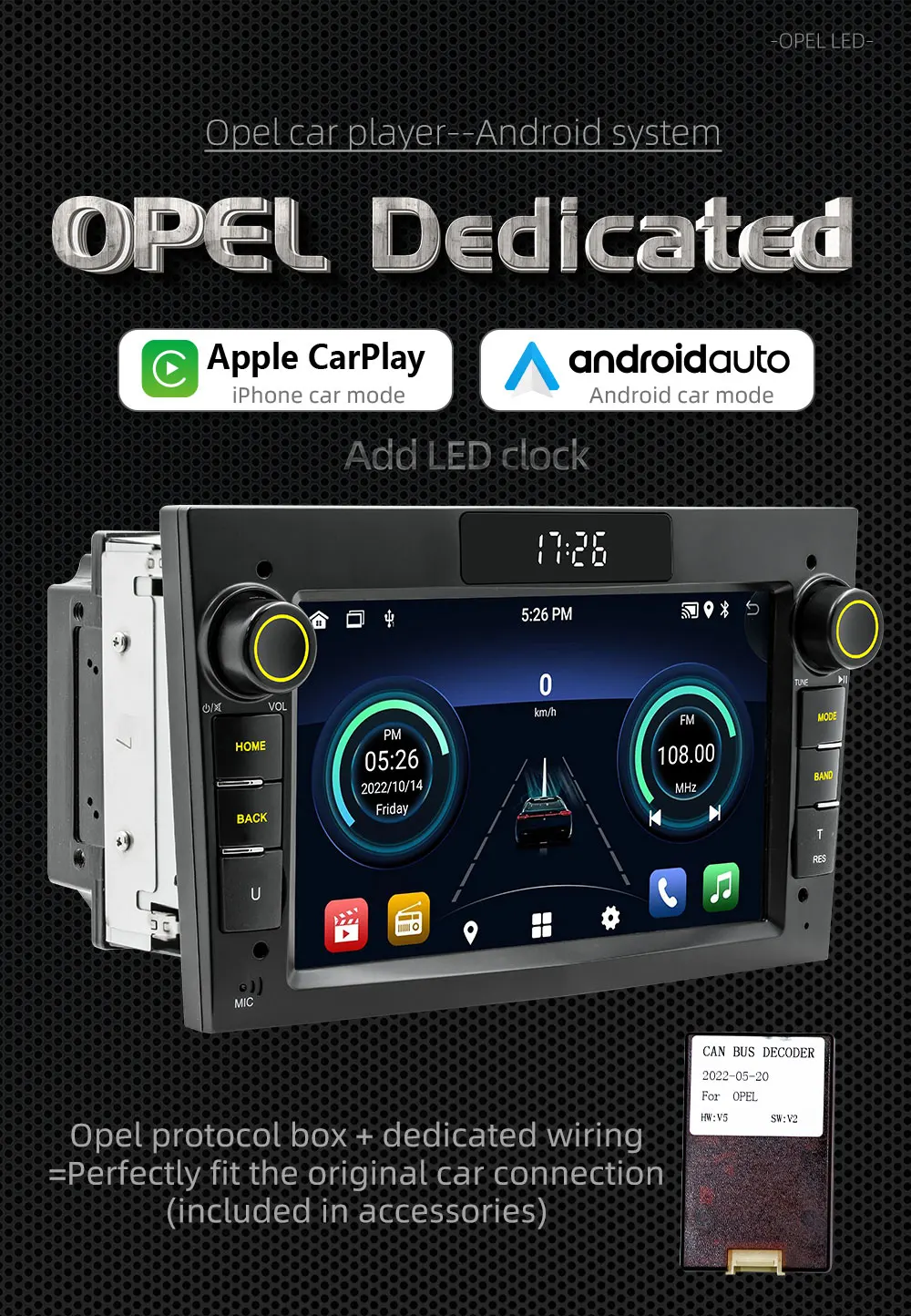
iPhone's Car Mode feature. It can be connected via a USB cable or wirelessly. After the connection is successful, the car screen will be used as the second display screen of the mobile phone, and various functions can be controlled by touch, which is more suitable for the operation interface used when driving.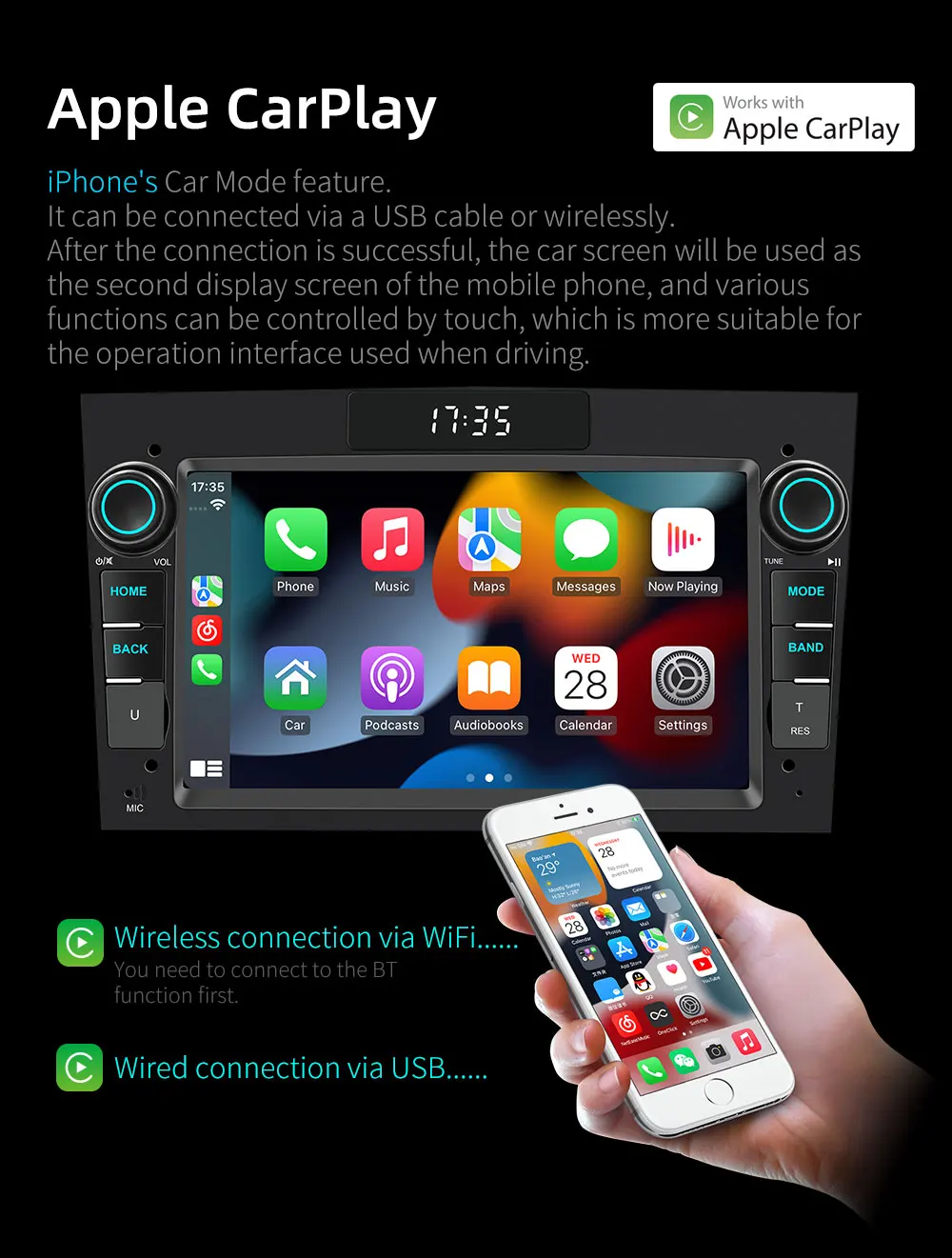
Android Auto
Android phone dedicated car mode function. It can be connected via a USB cable or wirelessly. After the connection is successful, the car screen will be used as the second display screen of the mobile phone, and various functions can be controlled by touch, which is more suitable for the operation interface used when driving.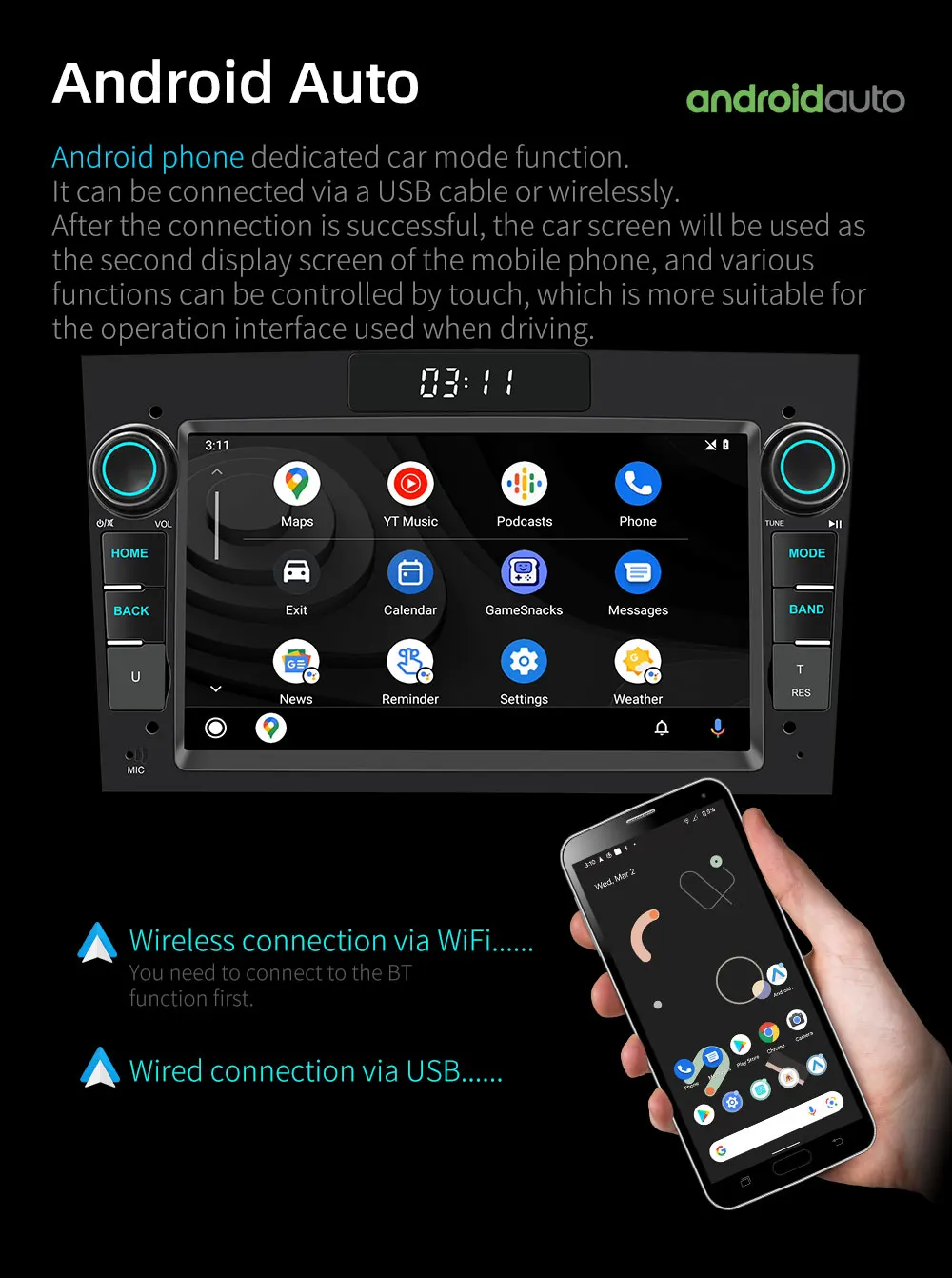
FM Radio (support RDS function)
The RDS function can filter functions such as listening to traffic radio only or listening to music radio only.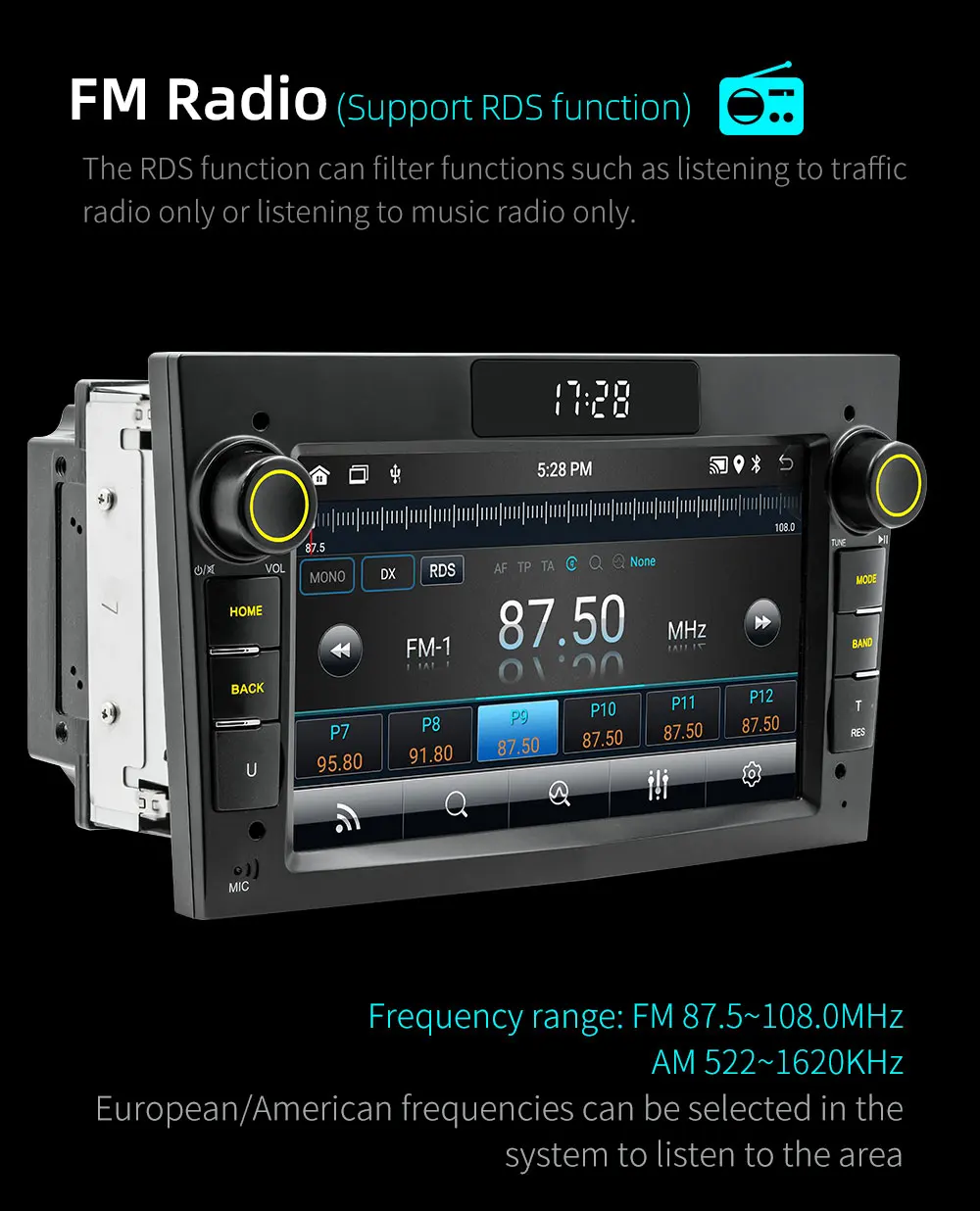
Antenna for WiFi/BT
Connect the dedicated WiFi antenna, you can connect to the network hotspot shared by the mobile phone, or the WiFi hotspot.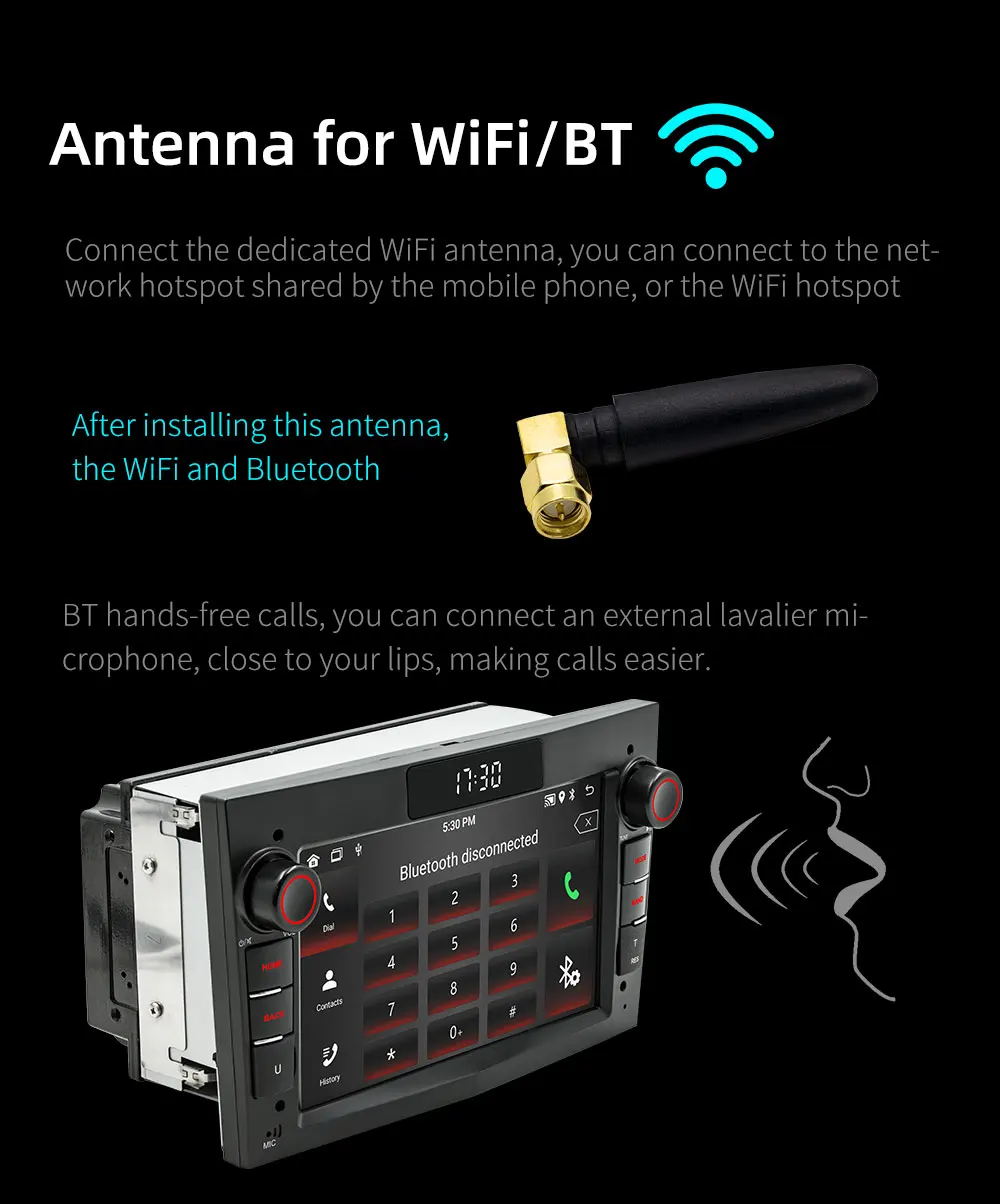
GPS satellite navigation .
Built-in GPS satellite navigation system, you can use pre-in-stalled map software or in stall third-party map navigation soft-ware by yourself. After connecting to wifi, you can plan a driving route map with the shortest distance or the fastest time according to real-time road conditions.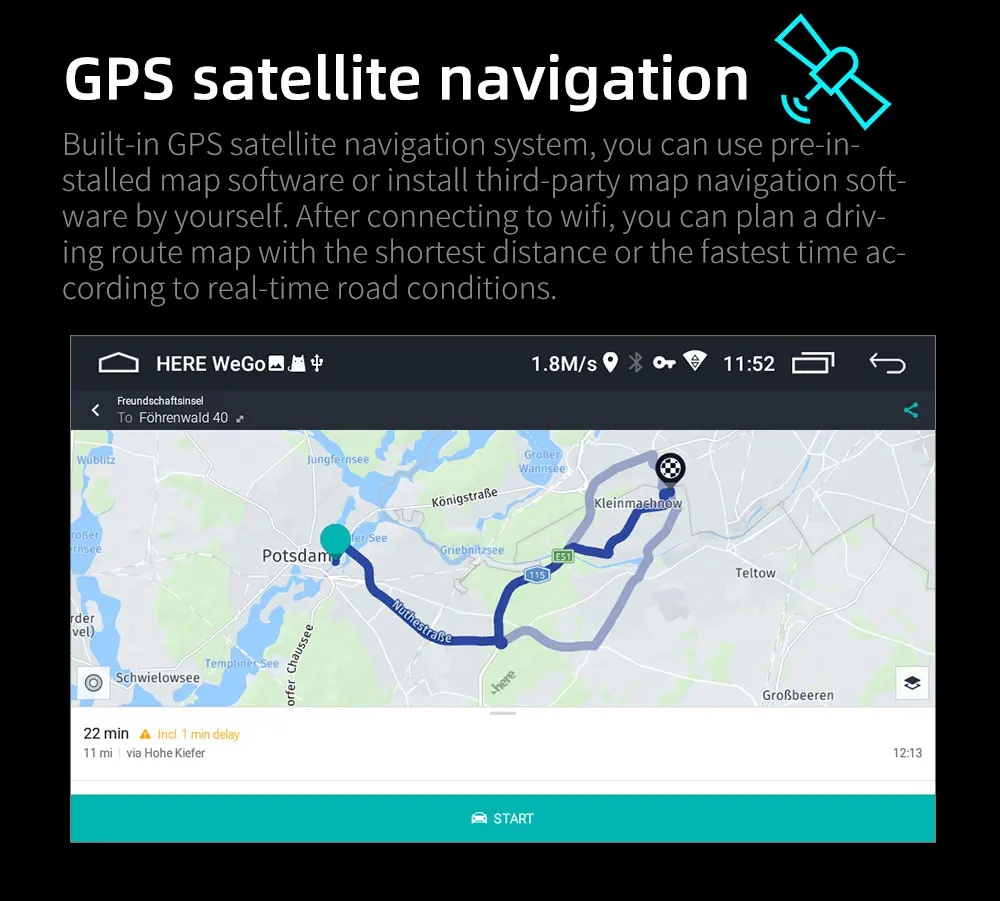
Reversing camera (camera optional)
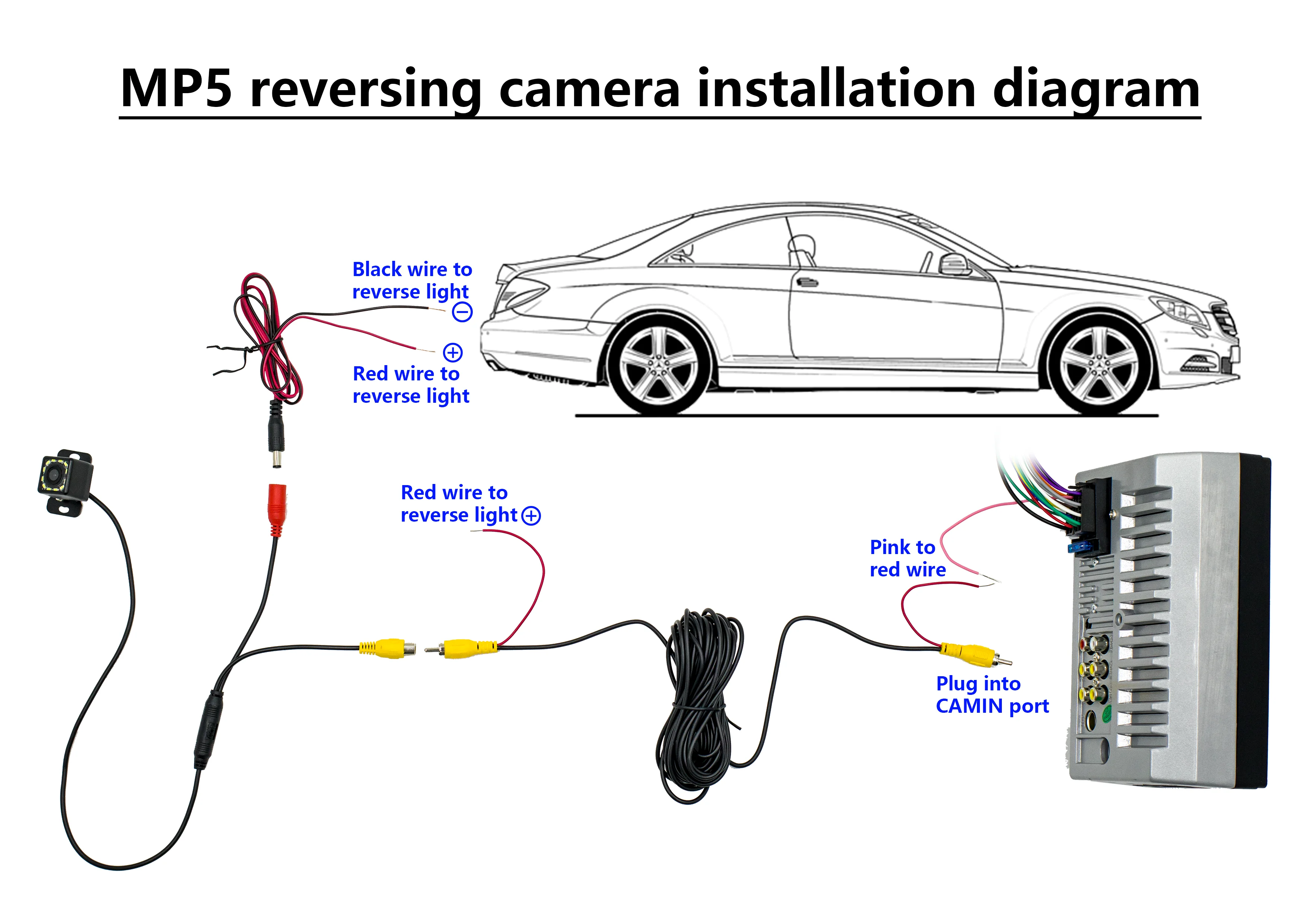
When the reverse gear is engaged, it will automatically enter the screen of the reversing camera to assist in reversing into the garage The camera can choose a variety of lamp head specifications.4lights, 8 lights, 12 lights camera optional.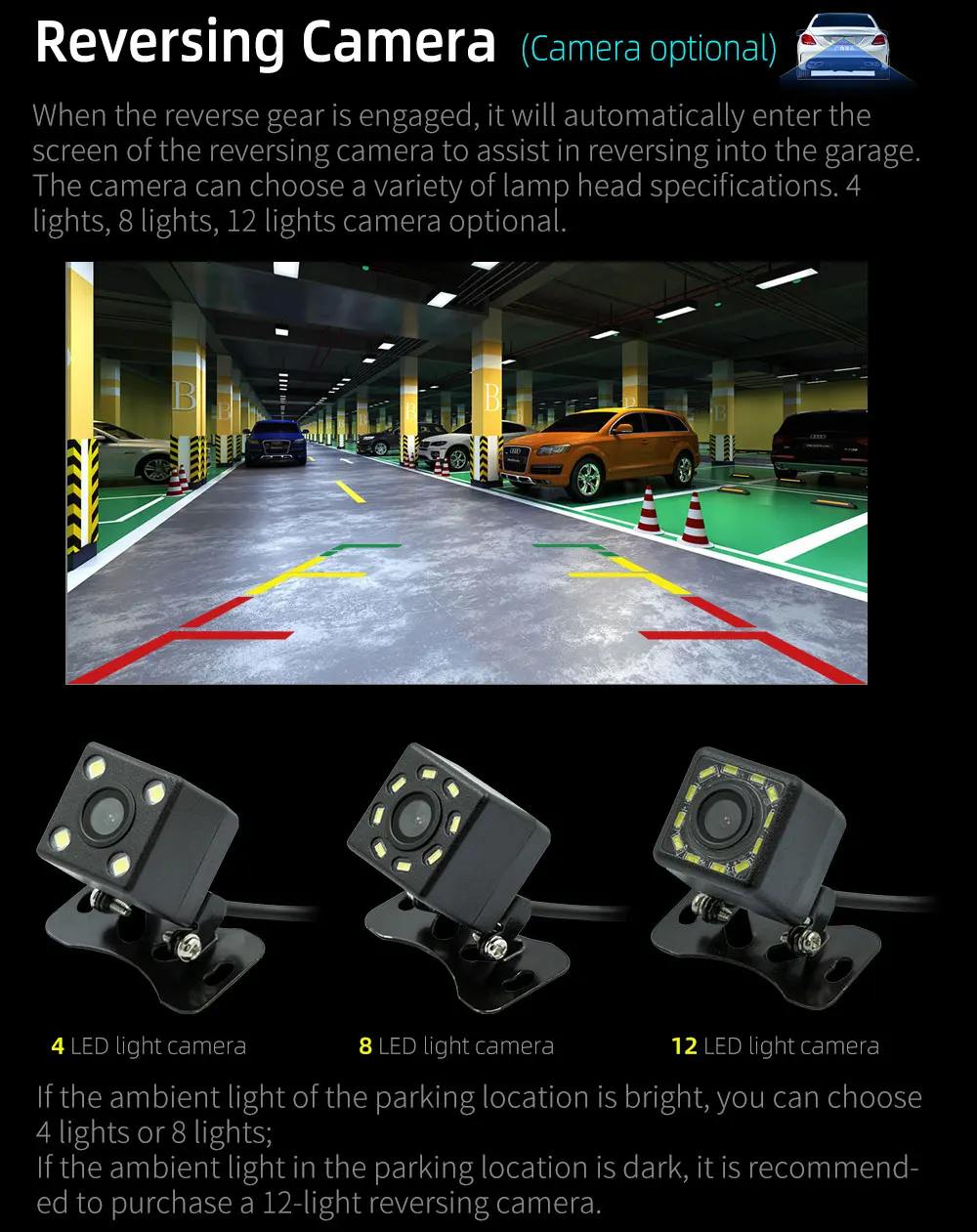
Learning the steering wheel buttons
The buttons on the steering wheel can be paired with the function buttons on the car player.
By operating the steering wheel buttons to control the player, driving is safer.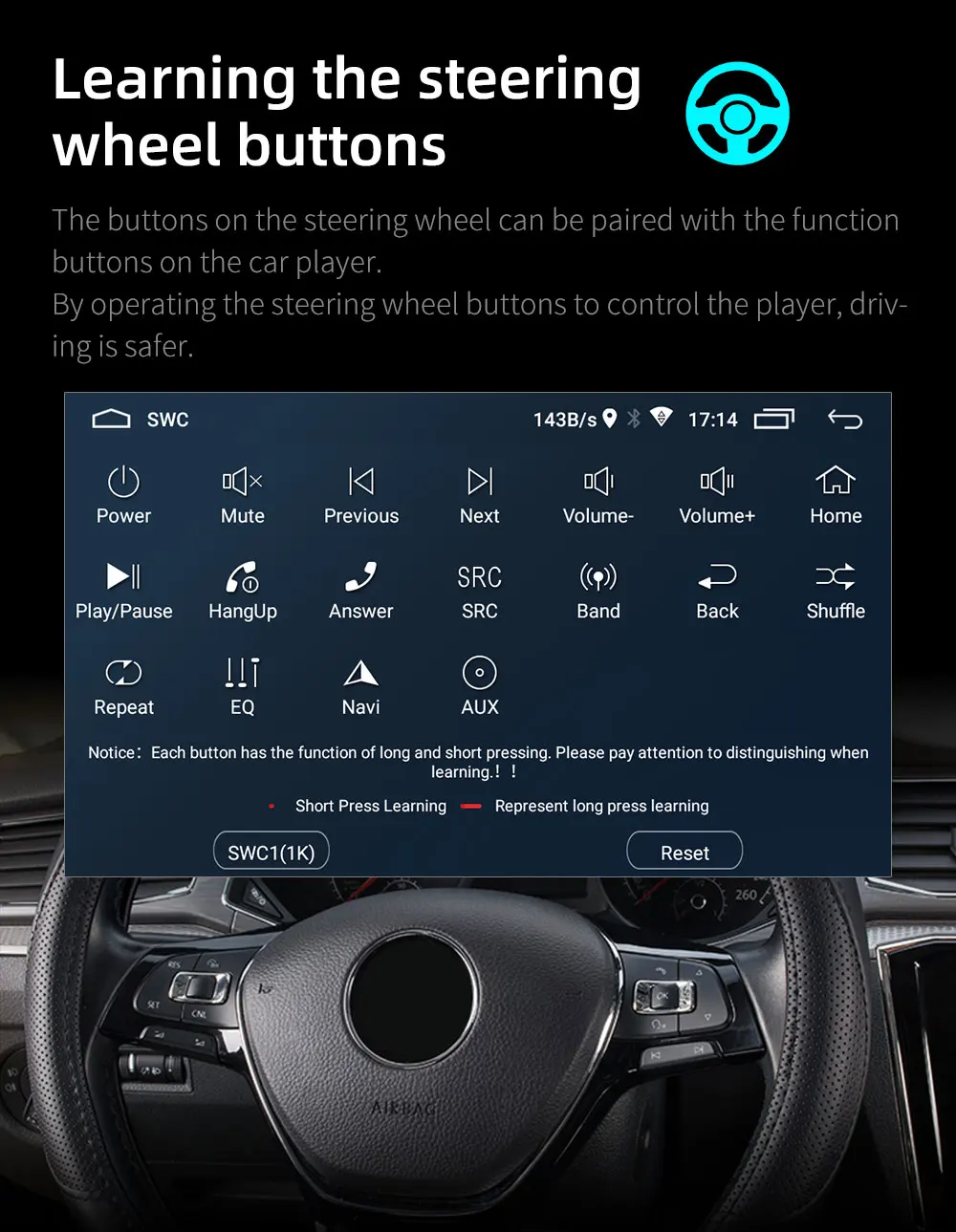
Panel key function
All physical buttons are silk screen display function by default, users can customize the function of each button in the settings.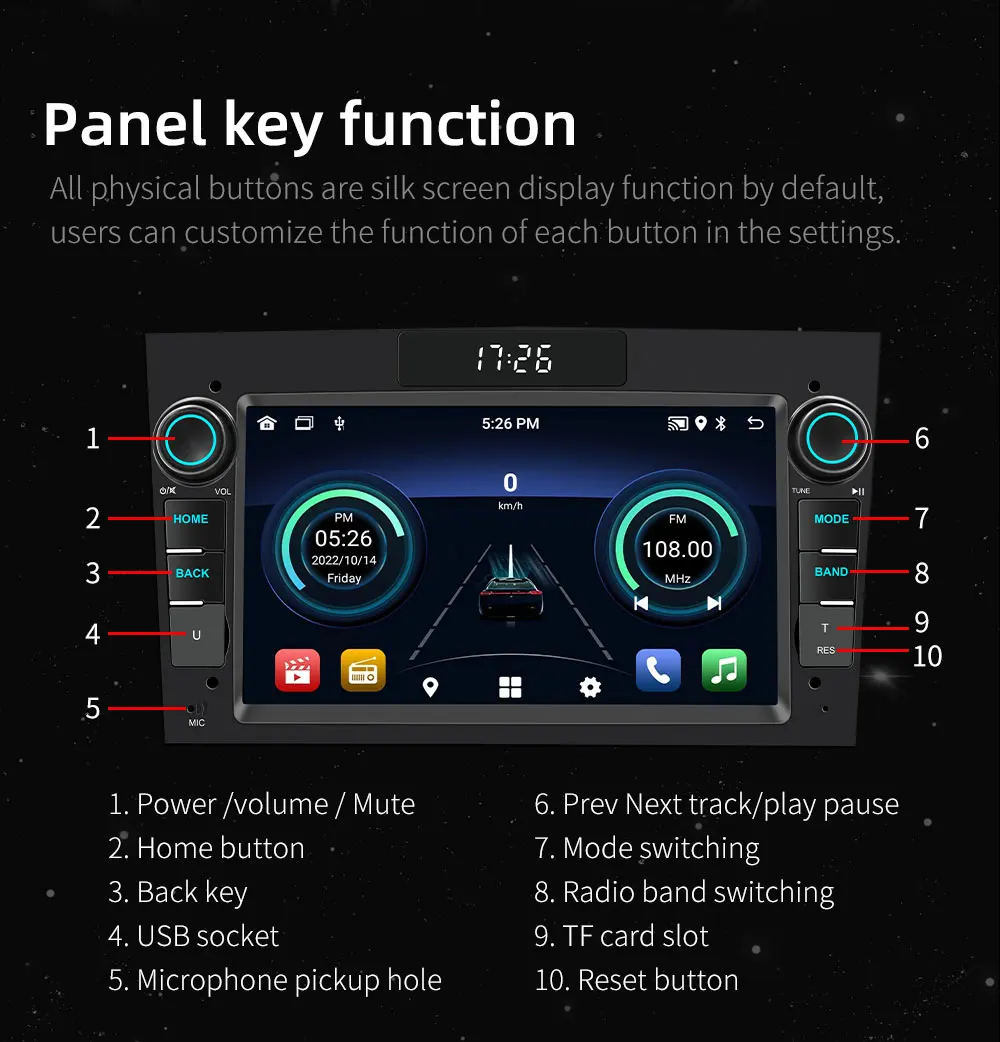

Basic parameters
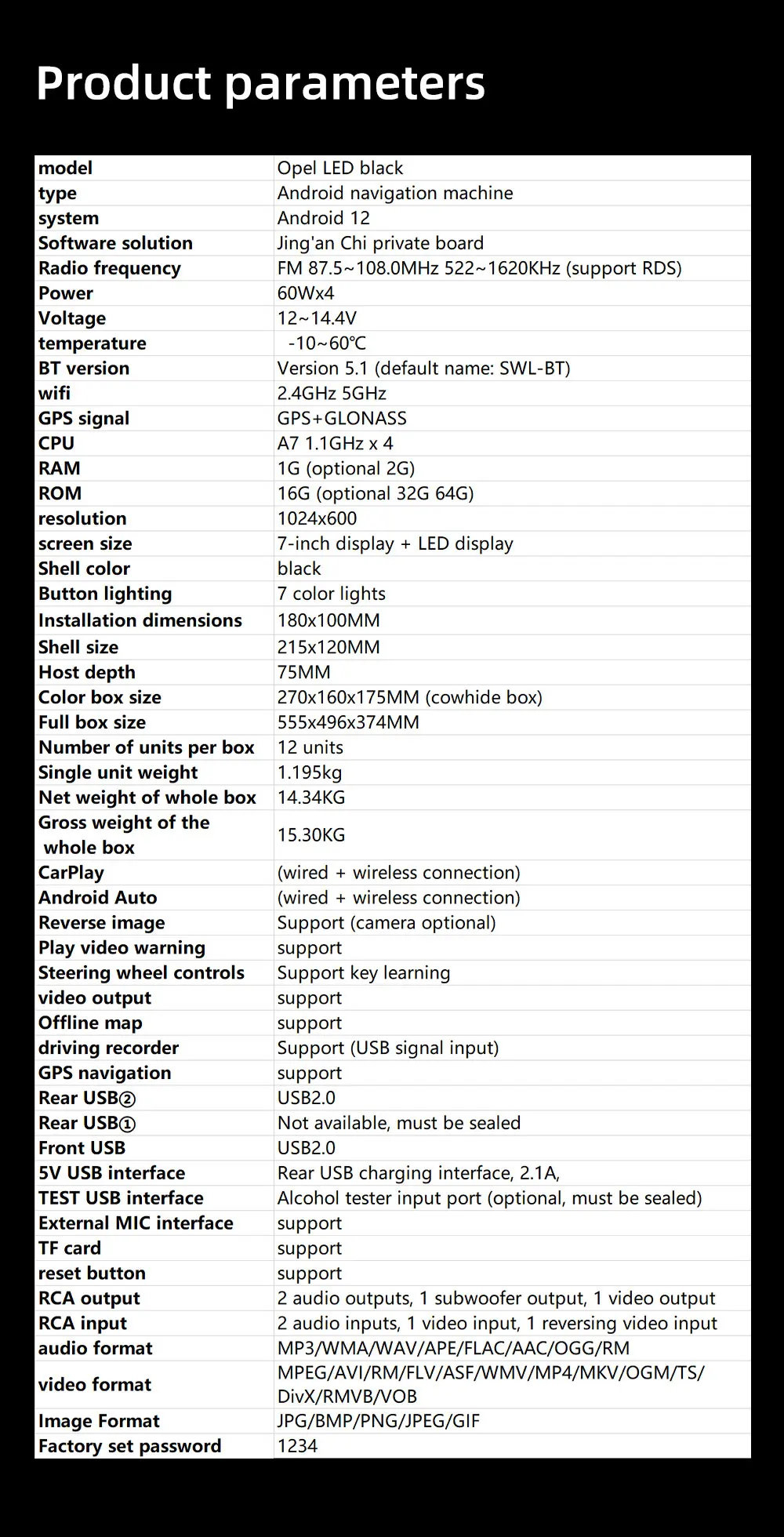
Model: Opel LED grey
Type: Android Navigation Machine
System: Android 13
Software Solution: Jinganchi Private Board
Radio Frequency: FM 87.5~108.0MHz 522~1620KHz (Switchable Europe, Eastern Europe, North America, South America, Africa, Australia, Japan Regional Radio Frequency)
Radio IC: 4745
Amplifier IC: YD7388
Output Power: 60Wx4
Working Voltage: 12~14.4V
Working Temperature: -10~60℃
Bluetooth Version: Version 5.1 (Default Name: SWL-BT)
Wifi Frequency: 2.4GHz 5GHz
GPS Signal: GPS+GLONASS
Performance parameters
CPU: A7 1.1GHz x 4
Running Memory: 1G (Optional 2G)
Storage Memory: 16G (Optional 32G 64G)
Display Resolution: 1024x600
Screen size: 7-inch display + LED display
Cover color: black
Key light: colorful light
Dimension parameters
Installation size: 180x100MM
Cover size: 215x120MM
Host depth: 75MM
Color box size: 270x160x175MM (cowhide box)
Box size: 555x496x374MM
Number of boxes: 12
Weight parameters
Weight per box: 1.195 KG
Net weight per box: 14.34KG
Gross weight per box: 15.30KG
Function parameters
Reversing image: Support (optional camera)
Video playback warning: Support
Steering wheel control: Support key learning
Video output: Support
Offline map: Support
Driving recorder: Support (USB signal input)
GPS navigation: Support
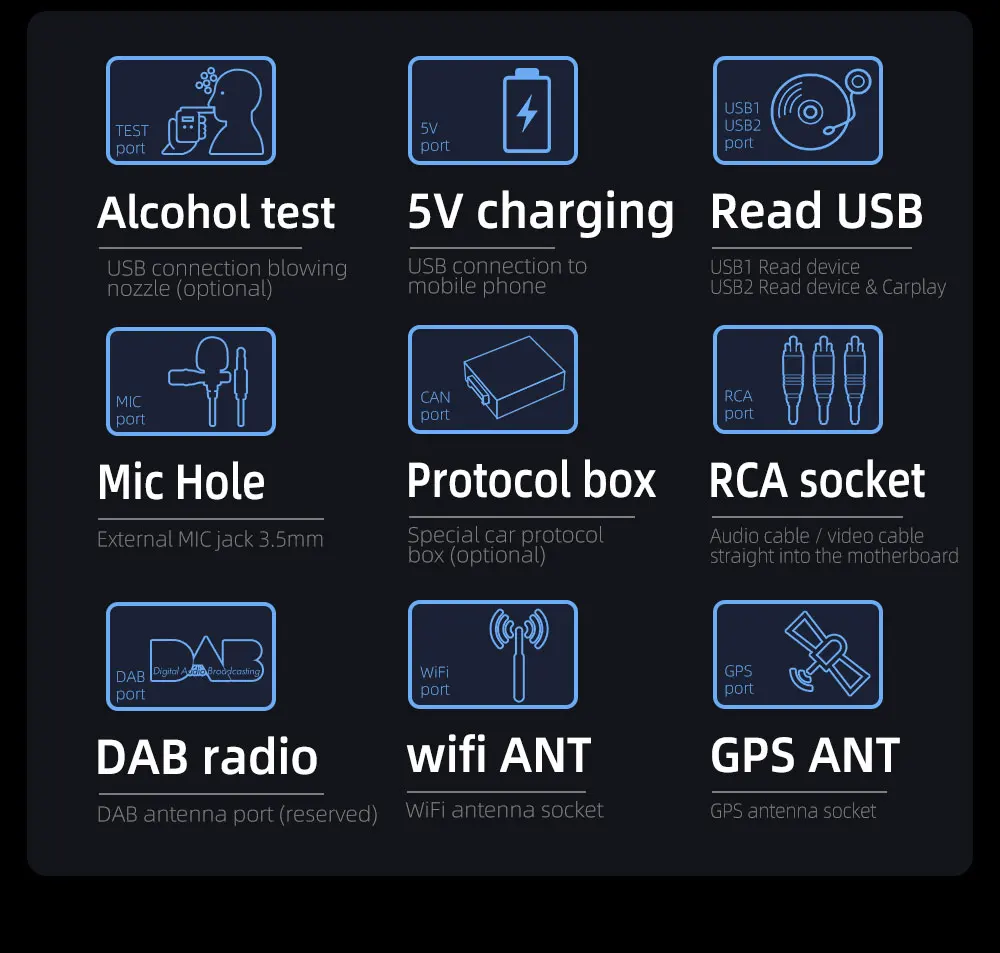
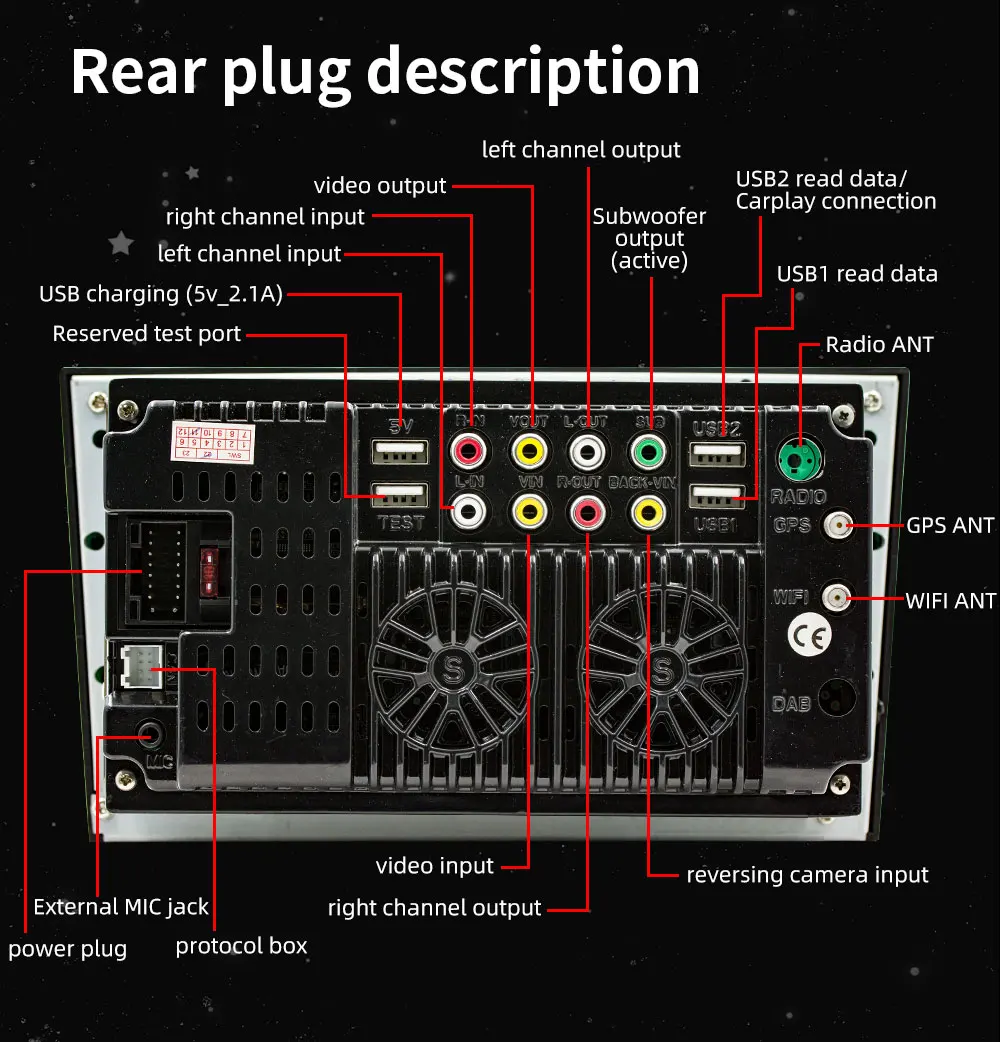
Rear USB②: USB2.0
Rear USB①: Unavailable, must be sealed
Front USB: USB2.0
5V USB port: Rear USB charging port, 2.1A,
TEST USB port: Alcohol tester input port (optional, must be sealed)
External microphone port: Supported
TF card: Supported
Reset button: Supported
RCA port parameters
Audio output: 2 channels (left channel + right channel)
Subwoofer output: 1 channel
Video output: 1 channel
Audio input: 2 channels (left channel + right channel)
Video input: 1 channel
Reversing video input: 1 channel
Format parameters
Audio format: MP3/WMA/WAV/APE/FLAC/AAC/OGG/RM
Video format: MPEG/AVI/RM/FLV/ASF/WMV/MP4/MKV/OGM/TS/DivX/RMVB/VOB
Image format: JPG/BMP/PNG/JPEG/GIF
Language parameters
Chinese/Traditional Chinese/English/Russian/Greek/Polish/Turkish/Arabic/Persian/Romanian/French/Hungarian/Italian/Thai/German/Ukrainian/Spanish/Portuguese/Czech/Vietnamese/Japanese/Malaysian/Dutch/Indonesian/Korean
Other parameters
Factory password: 1234
Basic functions
1. Radio (FM AM)
2. Read USB flash drive, TF card (audio/video/picture)
3. Rear audio input function
4. Bluetooth function
5. Subwoofer output
6. Rear view function (camera optional)
7. Video input and output function
8. Original car steering wheel learning function
9. Android recorder can be installed
10. WIFI Internet access
11. GPS navigation
12. Recorder function
13. APP can be installed
14. RDS function, real-time traffic radio can be received
15. External microphone function (microphone optional)
16. USB charging function (2.1A)
17. Wired and wireless Apple CARPLAY and Android AUTO function
18. Colorful lights, black shell
19. LED screen display time function

Q&A:
Q1:How do I connect carplay and Android Auto?
A: Search for the Bluetooth device ''carplay'' on your mobile phone. When you connect it for the first time, the mobile phone will pop up a prompt, please click to use or trust the device.
Q2.:How do I connect a mirror link?
A: Before the phone is connected, click on phone Link function of the device, change the automatic connection option under the corresponding phone type to mirror, then connect the phone data cable, and click the corresponding authorization on the phone end to connect.
Q3:How do you get the sound through the car horn?
A: There are three points about the sound problem:
2. Transmit the sound to the original car radio through the FM transmission function of the device (for example, select 86.3MHZ on the device, and then play the U disk music, then search 86.3MHZ on the car radio);
Q4:The Bluetooth connection fails, or some functions are abnormal after connection?
A: Please use your mobile phone to search for Bluetooth of the machine, and the name is ''carplay''; Delete the devices that have been paired with but are not connected to the phone. Some Bluetooth devices that have been paired with each other may cause the phone's Bluetooth cannot be paired with other devices or its function is abnormal.
Q5:Will Bluetooth connection not automatically connect to car paly or Android auto?
A: Some connected Bluetooth devices will cause our device to fail to jump automatically. Please clear all paired Bluetooth devices on the mobile phone, restart the Bluetooth of the mobile phone and the vehicle device, and re-establish the Bluetooth connection.
Q6: Playing music and talking on the phone too quietly?
A: Hold down the top of the screen with your finger and slide down. You can adjust the playing volume after pulling down the status bar; When you return to the home screen during a call, you can adjust the call volume in the status bar.
Q7: Can't read or play SD, USB music and videos?
A: Please use 16G or 32G storage card or USB flash drive. Some large-capacity storage devices may not support it. Format the storage device to ensure that the storage device's file system is the default value; Partially encoded video or music may not be recognized by the machine, please use common format media files.